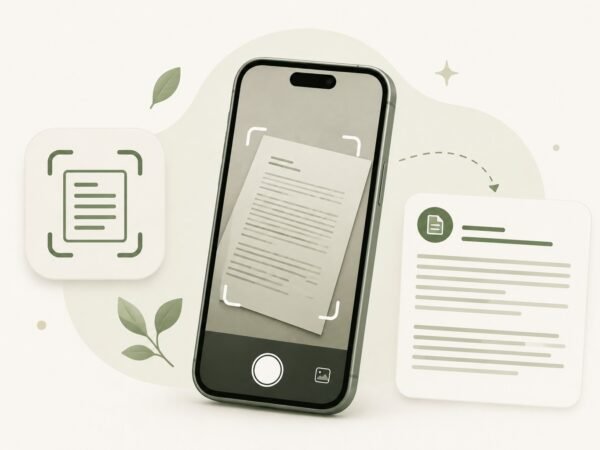
Modern OCR technology makes it easy to turn a photo into text, whether it is a document, book, receipt, handwritten notes, or a screenshot. Simply upload your image, and the service will automatically recognize the text, preserve its structure, and prepare it for editing. This saves time compared to typing everything manually, especially when working with large amounts of text.
Our tool lets you convert images to text directly in your browser without installing additional software. Advanced OCR algorithms support multiple languages and accurately capture printed text from your images. Once the conversion is complete, you can review the extracted content, make any necessary edits, and use it in documents, emails, presentations, or study materials.
Convert Image to Text
If you need an editable version of a document from a photo, simply upload your file and let the tool process it. The OCR engine extracts the text, preserves paragraphs whenever possible, and prepares the result for copying. Higher-quality images produce more accurate recognition results.
The ability to convert images to text is useful for digitizing paper documents, contracts, manuals, lecture notes, archived files, and book pages. Once the text has been extracted, you can edit, format, translate, or use it in other applications. Because the tool works entirely online, it is convenient to access from both desktop computers and mobile devices.
Copy Text from Image
After the recognition process is complete, all extracted text appears in a dedicated editor where it can be copied with a single click. This makes it easy to transfer information into a document, email, spreadsheet, or any other application without retyping it. If the original image quality affects the OCR results, you can quickly correct any minor errors before copying the text.
Our service helps you convert images to text quickly without complicated settings or software installation. It is suitable for everyday tasks, work, education, and document digitization whenever you need editable text in just a few moments. Automatic OCR makes it simple to copy individual passages or entire documents and use them wherever you need.